
KEYDIY PAK09 is a powerful accessory that allows locksmiths and technicians to easily add more physical car keys using KDBZB series remotes. This time we demonstrate how to Add Keys for Mercedes-Benz with KD Remotes
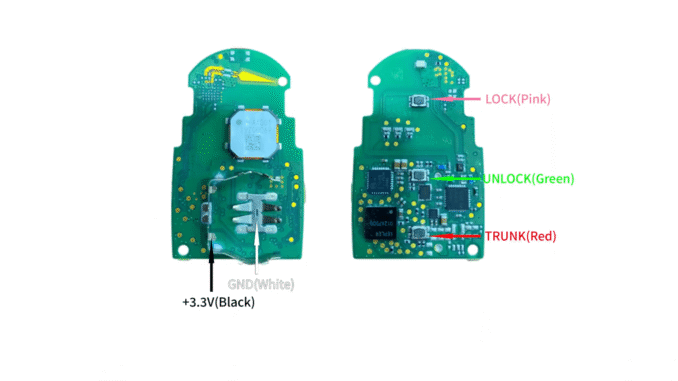
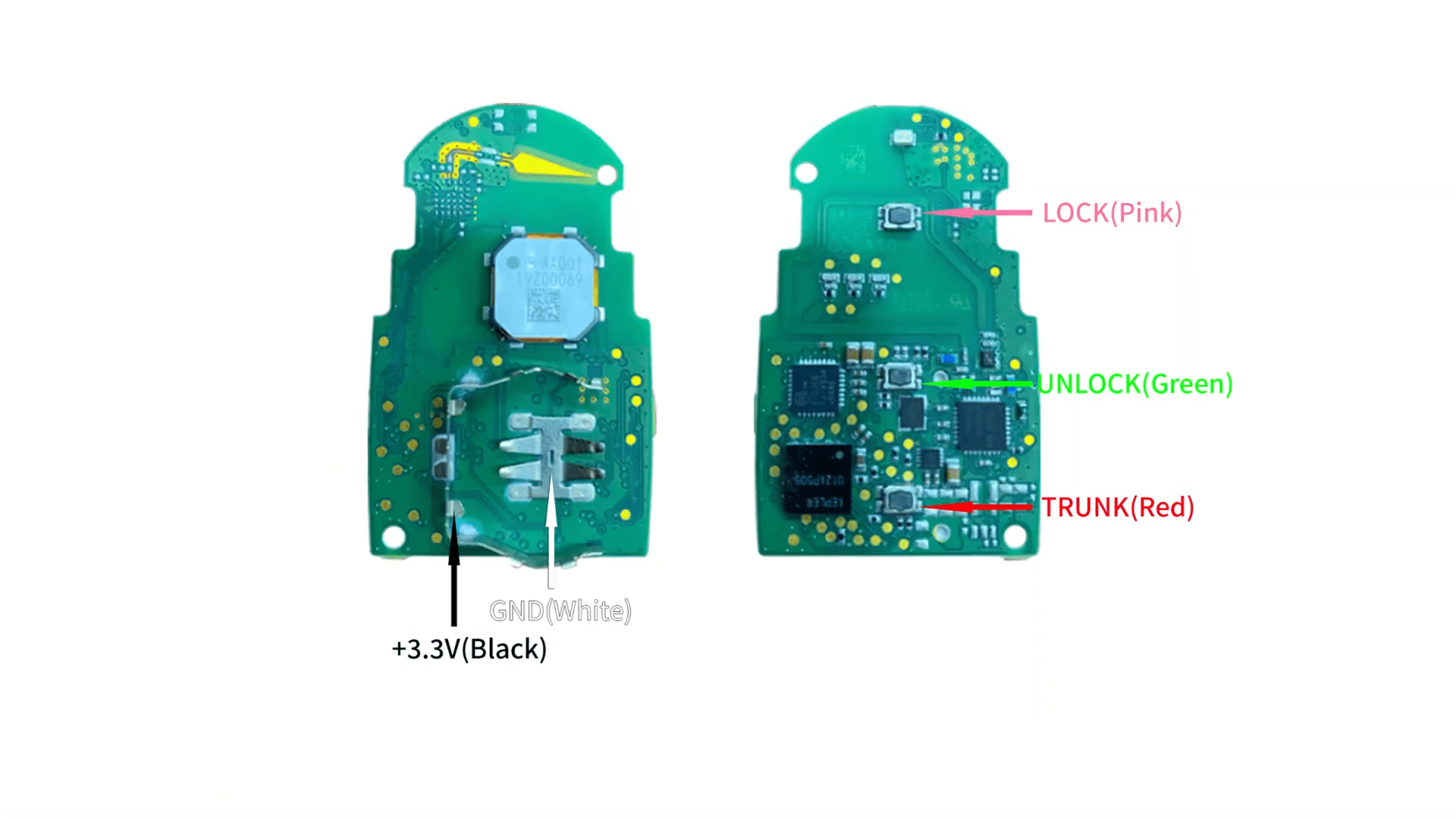
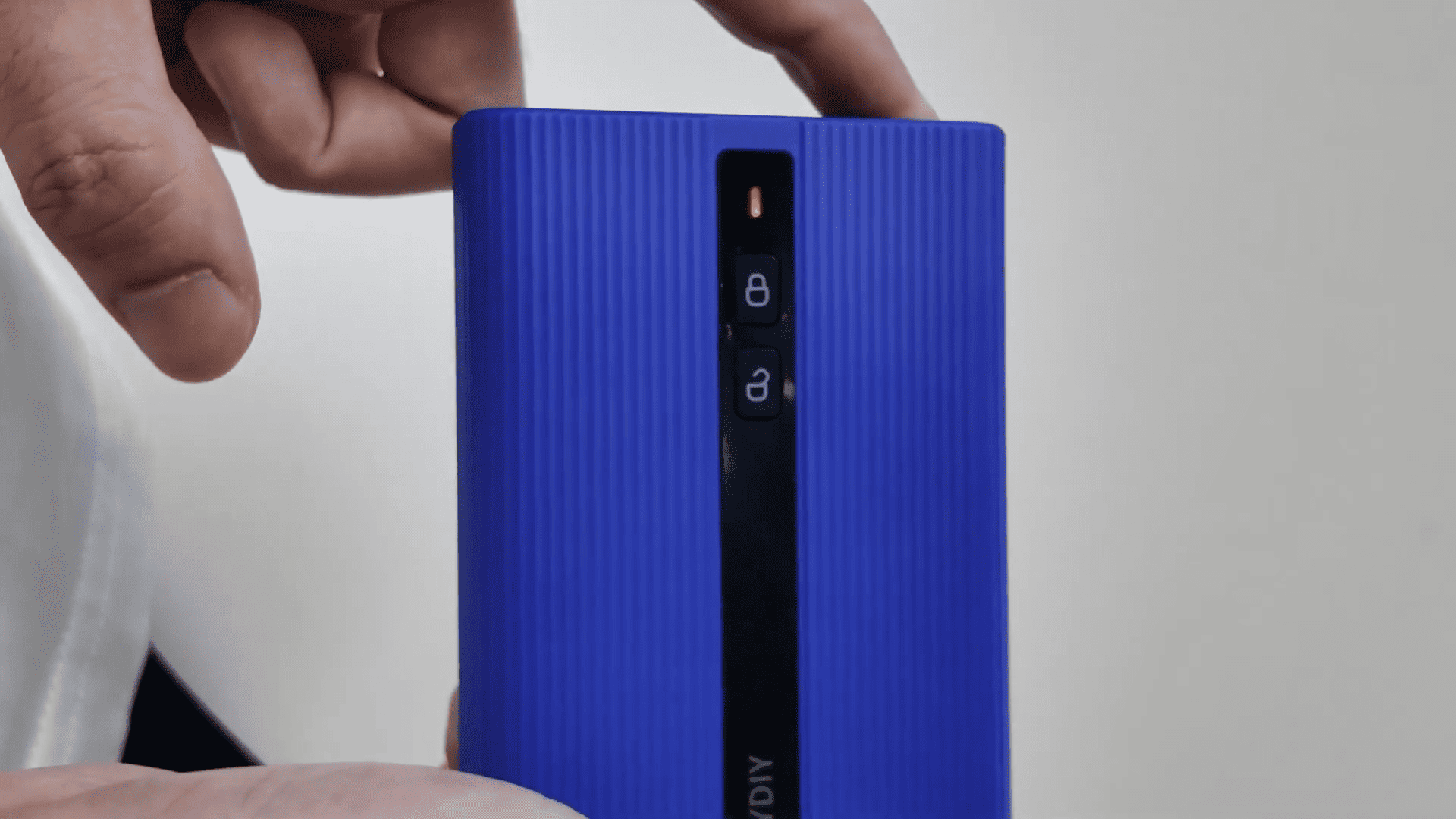
The process starts with careful preparation: remove the PCB from the original car key and solder it according to the precise wiring diagram available in the KD App’s Help Center. Once soldered correctly and placed inside PAK09 housing, power on the device with a short press followed by a 3-second long press. The flashing indicator confirms successful activation.
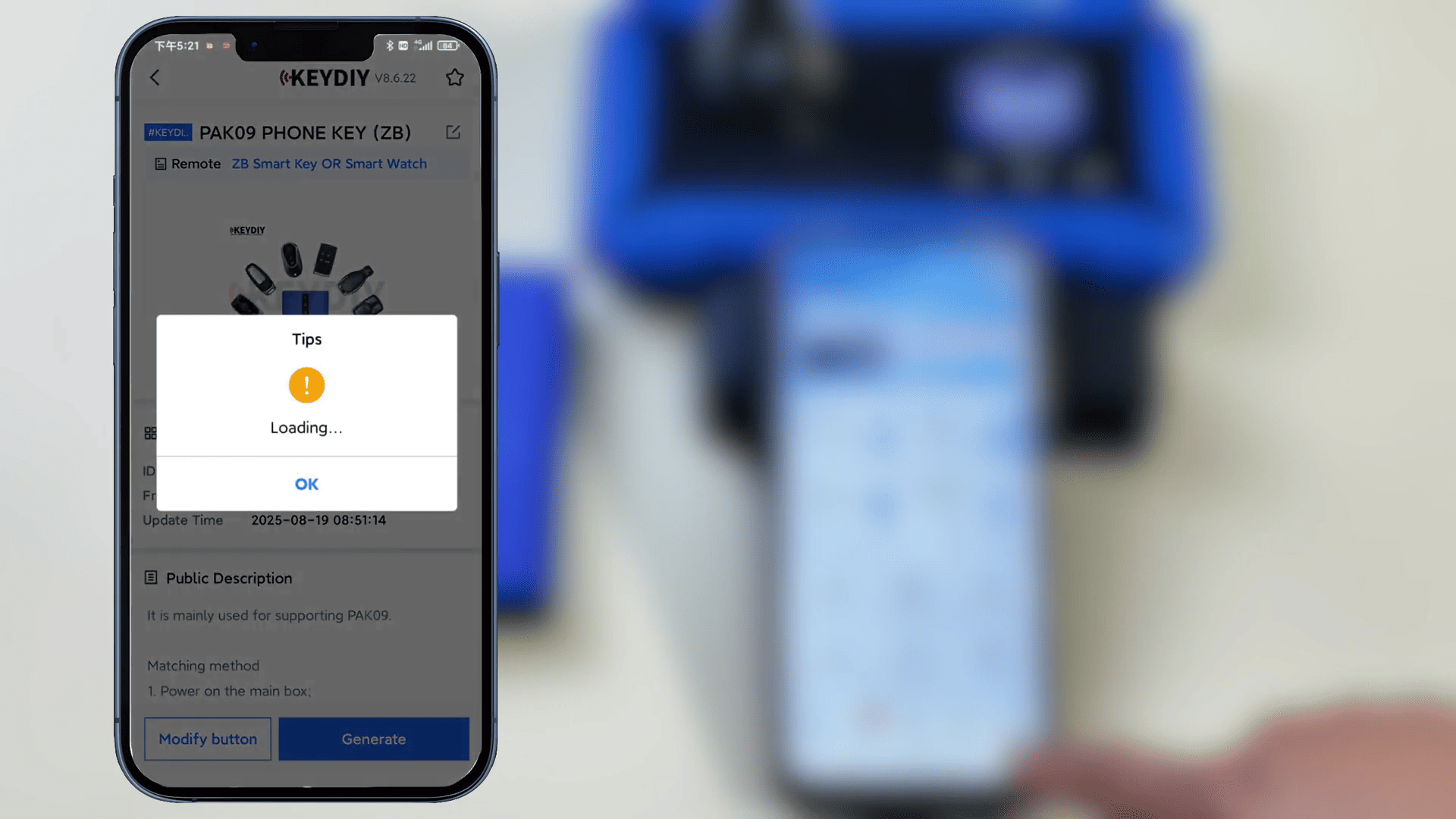
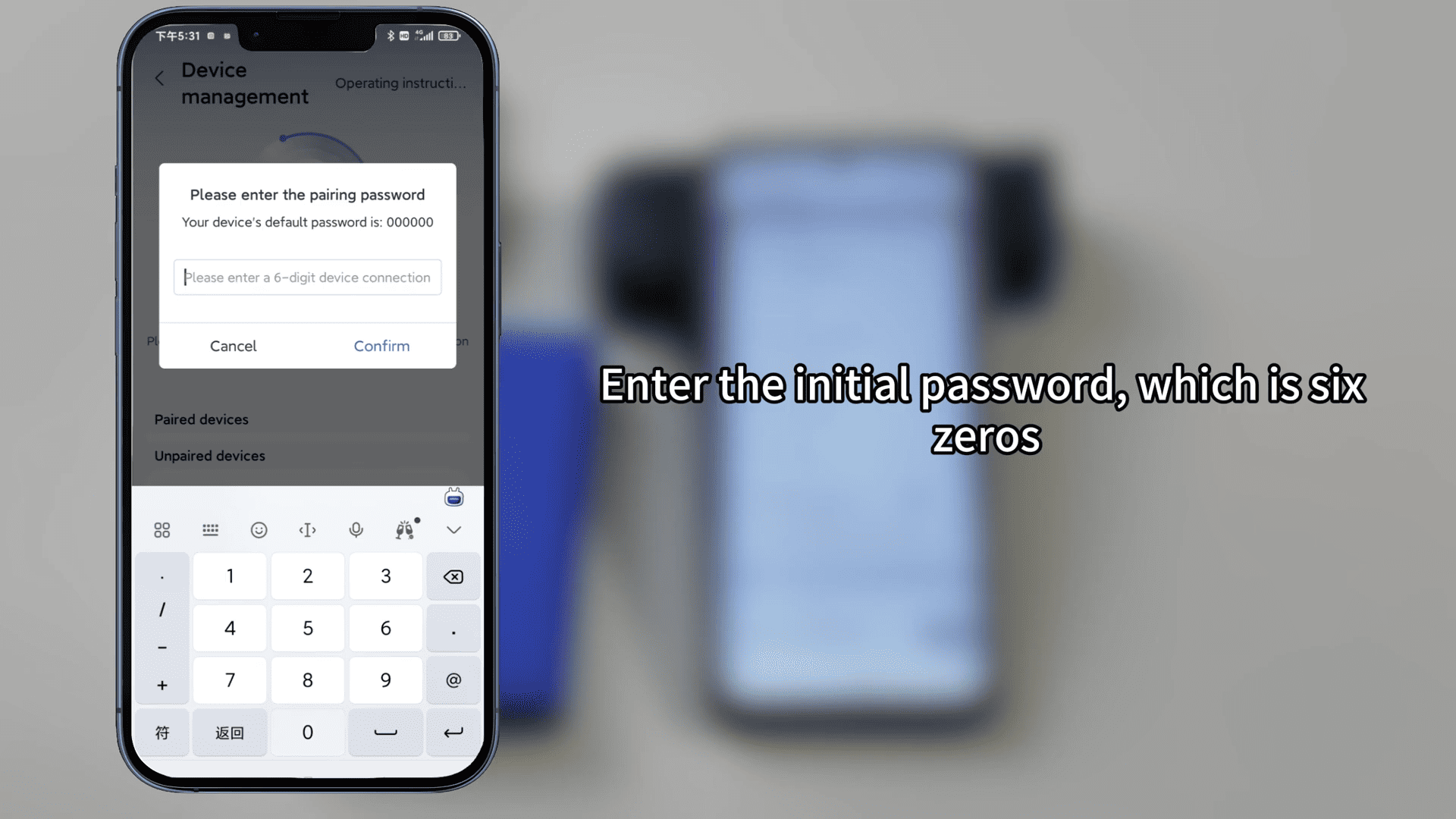
Next, use the KD App to generate the corresponding remote program wirelessly. Place your KD remote in KD-X4 or compatible device, select the vehicle remote option, and complete the generation in seconds. First-time users must pair the PAK09 via Device Management, entering the default password (000000) and changing it for security.
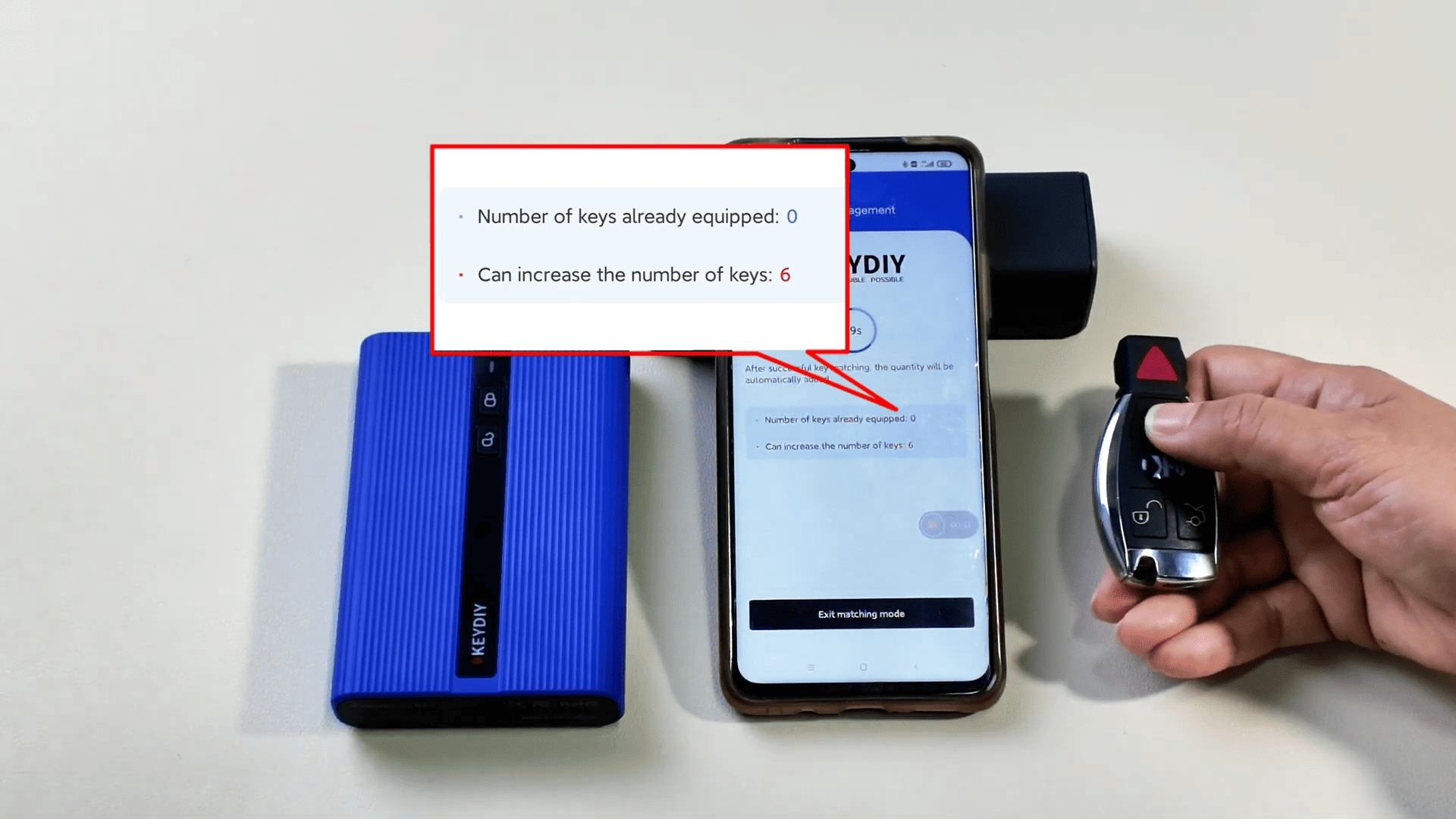
Finally, enter matching mode in Key Management and press any button on the remote before the countdown ends to complete the addition. The result? A fully functional extra physical key ready for immediate use.
With its simple setup, reliable wireless generation, and broad compatibility, PAK09 phone as key is an essential tool for modern auto locksmiths looking to provide faster, more flexible key services.
Leave a Reply