
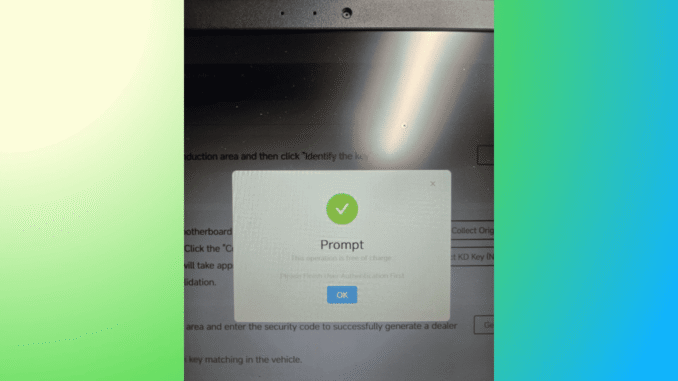
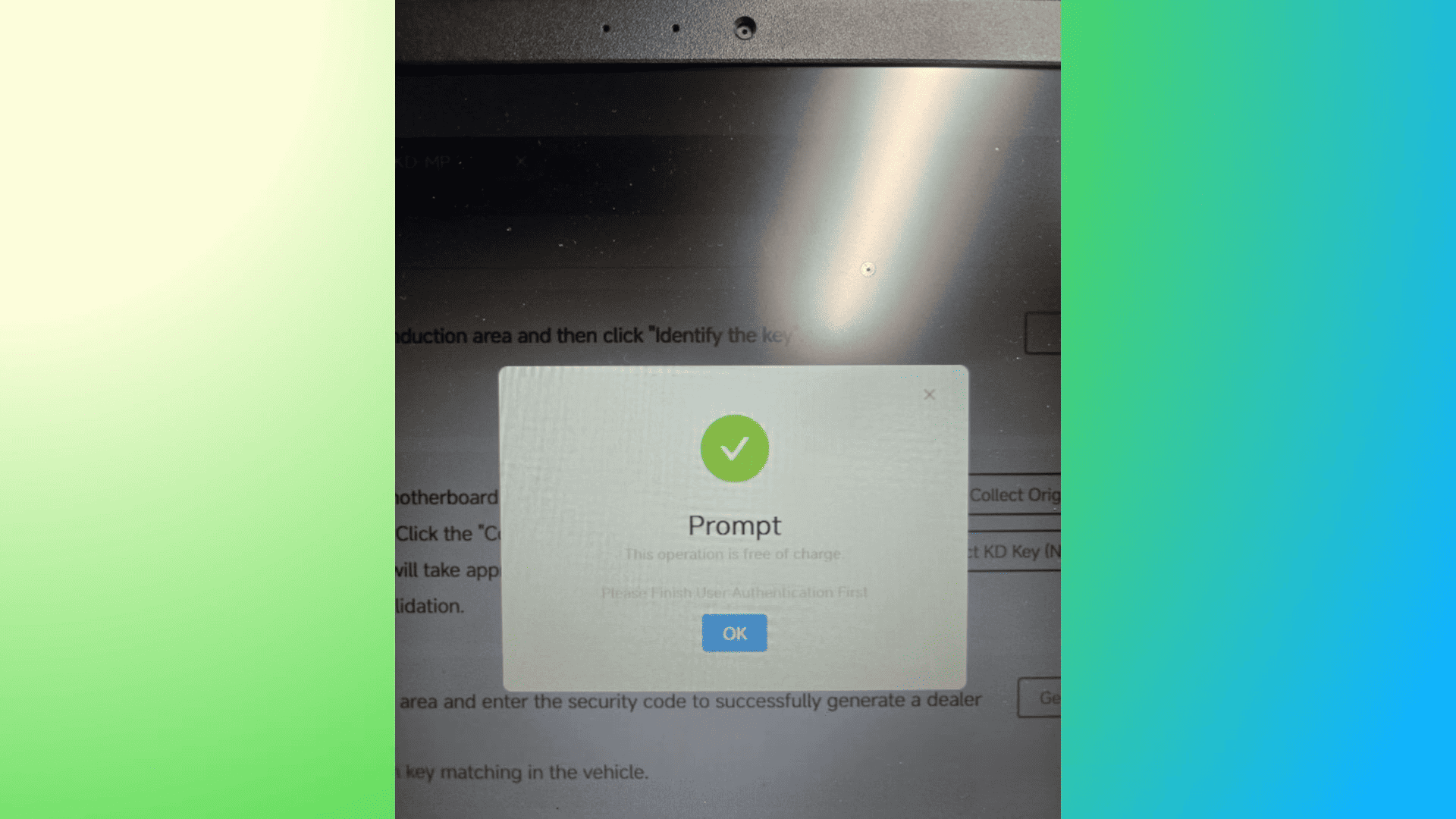
Many automotive technicians using KEYDIY KD-MP MLB Tool encounter the frustrating “Finish User Authentication First” error when trying to calculate data for MQB48 systems. This issue can interrupt diagnostic work and leave users wondering if their tool or account is malfunctioning.
In reality, the KD-MP MLB Tool finish user authentication first error is not a software bug. It usually appears because the KD App requires updated user verification information. Once the authentication process is completed, the tool will function normally again.
Why the KD-MP MLB Tool Shows the Authentication Error
When working with MQB48 data calculation, the KD system may request that users complete identity verification. This is a compliance and security measure designed to ensure that the tool is used by legitimate technicians and workshops.
If your KD-MP displays “Finish User Authentication First”, it simply means the account needs to complete certification in the KD App.
How to Fix the KDMP MLB Tool Authentication Error
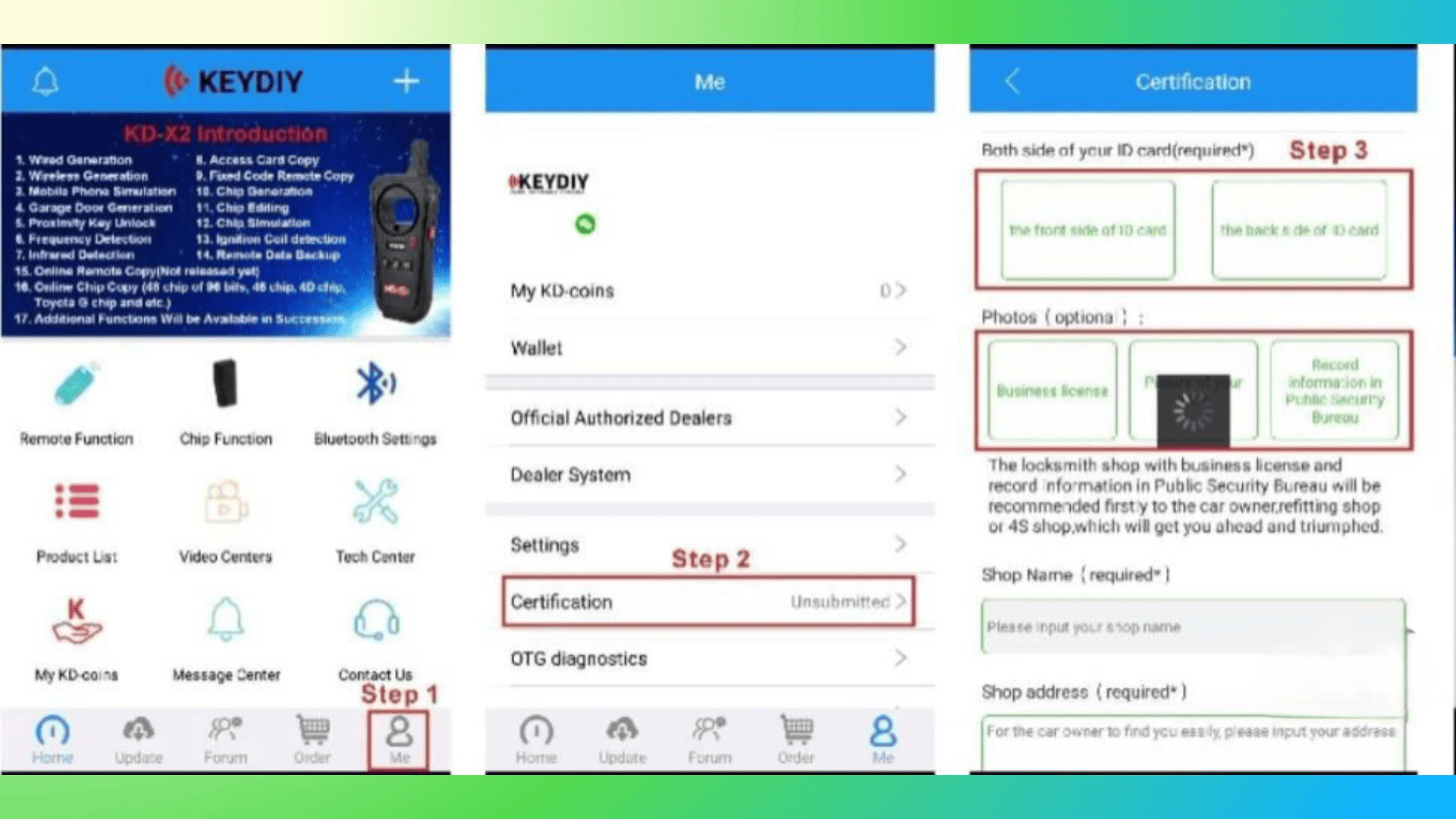
Follow these steps to resolve the KD-MP MLB Tool finish user authentication first error:
- Open the KD App on your device.
- Tap the “MI” option in the navigation bar.
- Enter the Certification section.
Upload the required verification documents, including:
- Both sides of your ID card
- Your business license (if you run a workshop)
- Your shop name and address
- Submit the information and wait for the app to process the verification.
Once the authentication is completed, the KDMP MLB Tool will allow MQB48 data calculation without showing the error message.
Final Thoughts on the KDMP MLB Tool Authentication Process
Although the KD-MP MLB Tool “Finish User Authentication First” error can be frustrating, it is actually a security feature rather than a technical fault. By completing the required verification in the KD App, technicians can quickly restore full functionality.
With authentication completed, KEYDIY KD-MP will work as expected and allow smooth data calculation for KD-MP MLB MQB48 Tool platform vehicles.
Leave a Reply