
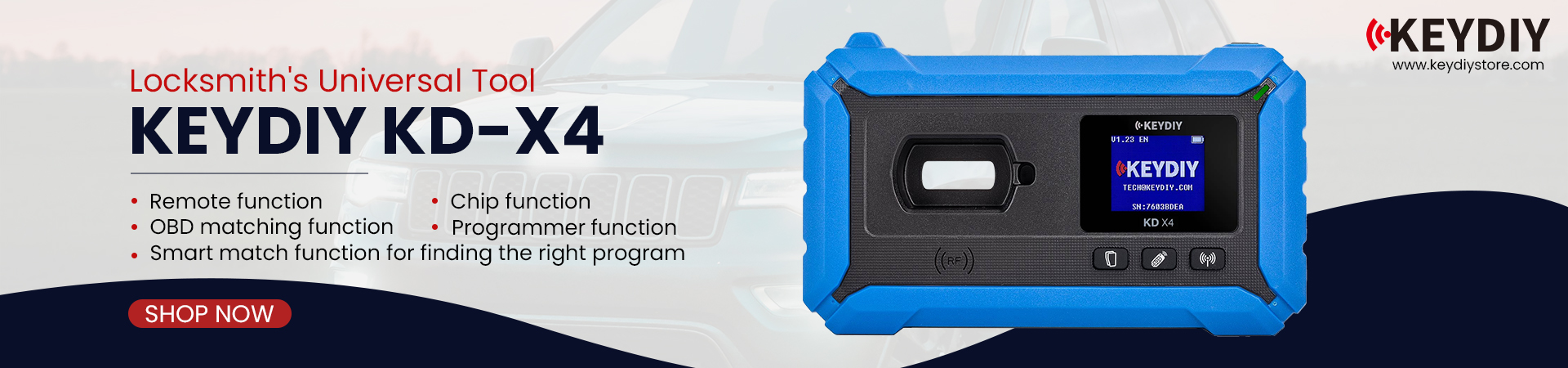

A used KEYDIY KD-X4 to program a Range Rover Sport 2020 with an SPC560 chip, some users may encounter a “Not Open” prompt during the operation. This message does not indicate a device fault—it means the required function has not been activated.

KEYDIYstore technician reply:
On KD-X4, certain advanced features (such as specific chip read/write or online functions) require additional authorization. If the software prompts “Not Open,” you need to activate the corresponding function(MQB Match/Audi BCM) in the KD app before proceeding.

Key points to note:
iPhone is not supported for this operation; use an Android device
Always check the function status in the app first—if it shows “Unactivated,” you’ll need to purchase and activate that function(MQB Match/Audi BCM) to continue programming with KEYDIY KD-X4 key programmer.
Feel free to contact us:
WhatsApp: +86 15271813909
E-Mail: sales@KeyDiyStore.com
Leave a Reply